Finishes
Recolour the whole pet's painting in one go: Golden, Diamond or your own colour.
Pick a finish
Open the Finish page next to Painting. A finish recolours all of the pet’s painting through one colour ramp, keeping its lights and darks.
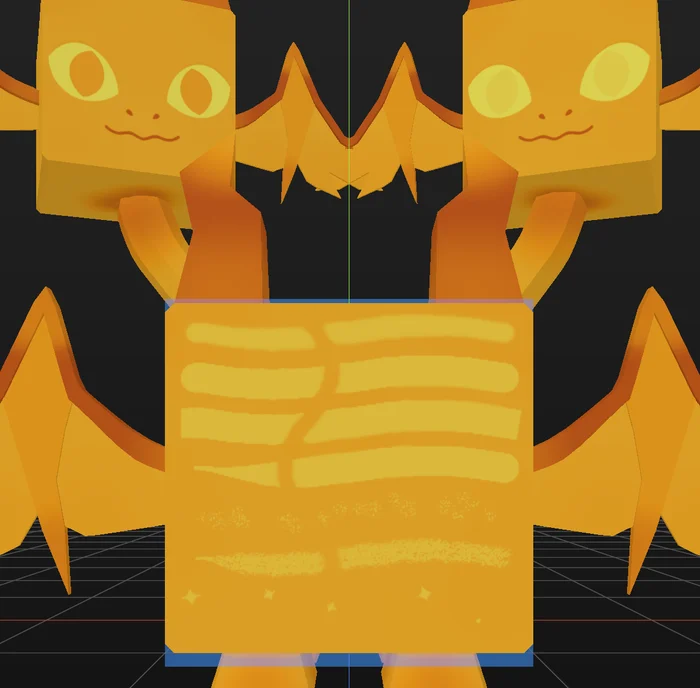
- Golden turns it into gold.
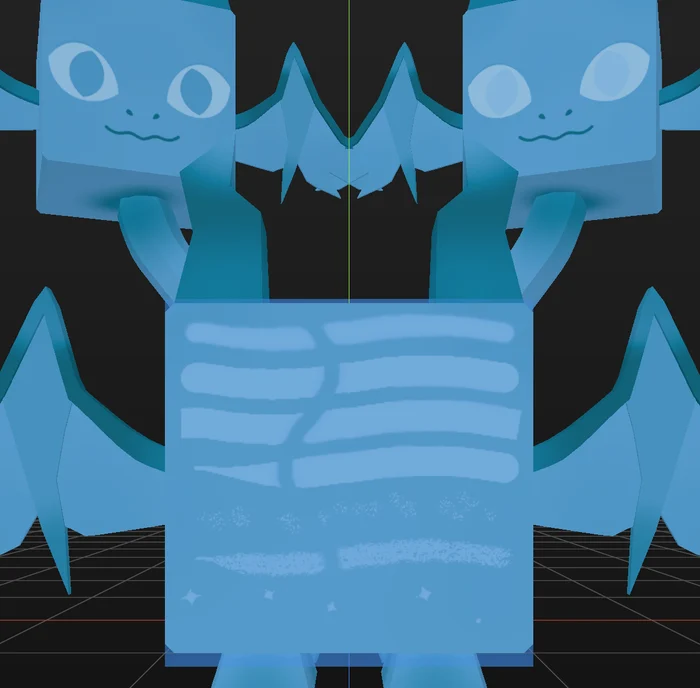
- Diamond turns it into ice blue.
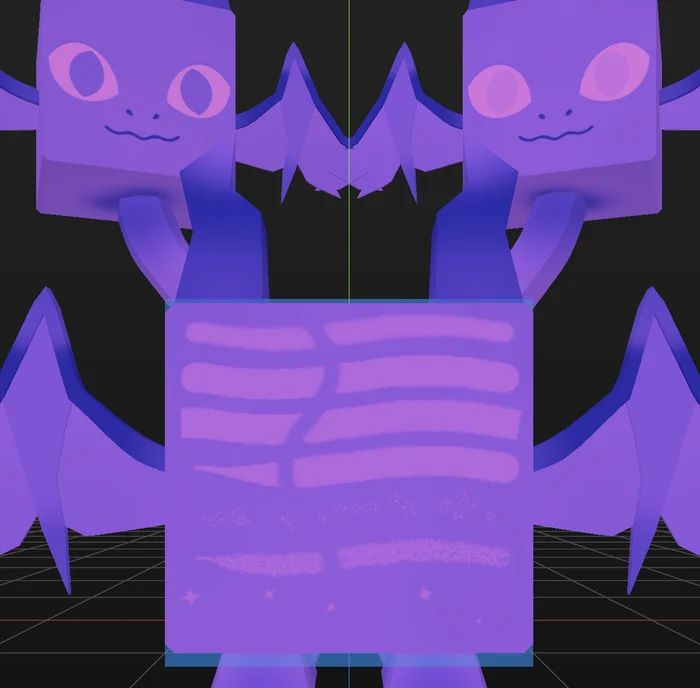
- Custom builds the ramp from a colour you pick.
- None shows the artwork as you painted it.
Tune it
Tone sets the contrast: left is flat, right pushes the darks and lights apart. Re-fit updates the finish after big colour changes; it doesn’t update by itself when you repaint.
The same Finish page also holds Shape, which decides how a material’s relief shows on each painted part: see Shape.
The finish is saved in the pet file and baked into each texture when you export, so it arrives in Roblox as you see it. You can undo it like any other change.