Copies, mirror and groups
Duplicate, mirror and ring-copy parts, group them, and save a set of parts as a reusable preset.
Right-click a part
- Duplicate makes a copy in place.
- Mirror puts a twin on the other side of the pet, which is perfect for ears, wings and eyes.
- Radial x4, x6 and x8 copy the part in a ring around the pet’s middle, so one leg becomes four.
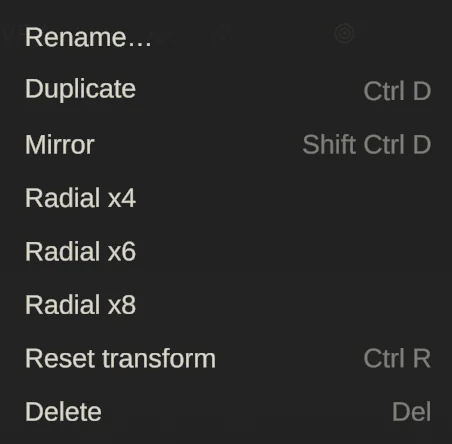
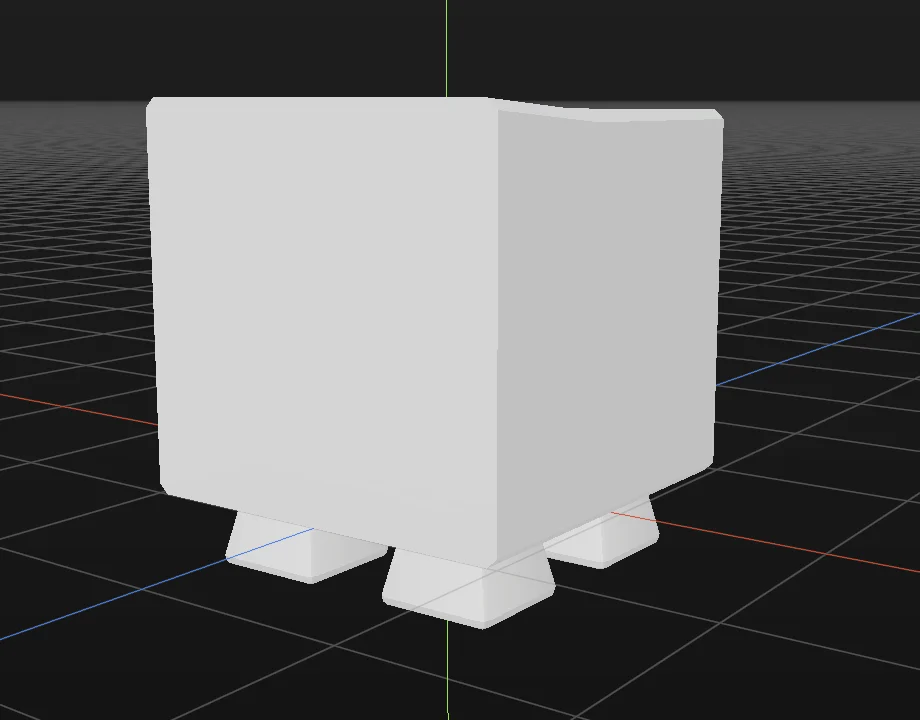
The same commands have keys: Duplicate Ctrl/⌘ D, Mirror Shift Ctrl/⌘ D. Copies made this way share their paint by default, so painting one wing paints both. See Copies, surfaces and edges.
Groups
Select two or more parts and press Ctrl/⌘ G, or right-click and choose Group. A click on any member now selects the whole group; Alt-click picks a single part inside it. Shift Ctrl/⌘ G ungroups. In the Outliner, drag a row onto a group to move it in.
Save parts as a preset
Right-click your selection and choose Save as preset. It becomes one card on the library’s Presets shelf, ready to drop into any pet. Face parts go to the Face collection’s Presets.